

Fahrzeug-Studio – Einzelbearbeitung
Eine Datei im INSPECT Fahrzeug-Studio bearbeiten und speichern – ideal, wenn du nur ein Fahrzeug anpassen willst.
€4.99
Many vehicle models carry real manufacturers' logos – on the hood, at the rear or on the rims. With the INSPECT Vehicle Studio you remove them in two ways: if the logo is in the texture, you retouch it away cleanly with clone stamp, pattern and magic wand. If it's a separate part on the model, you hide it in the 3D area in a few clicks.
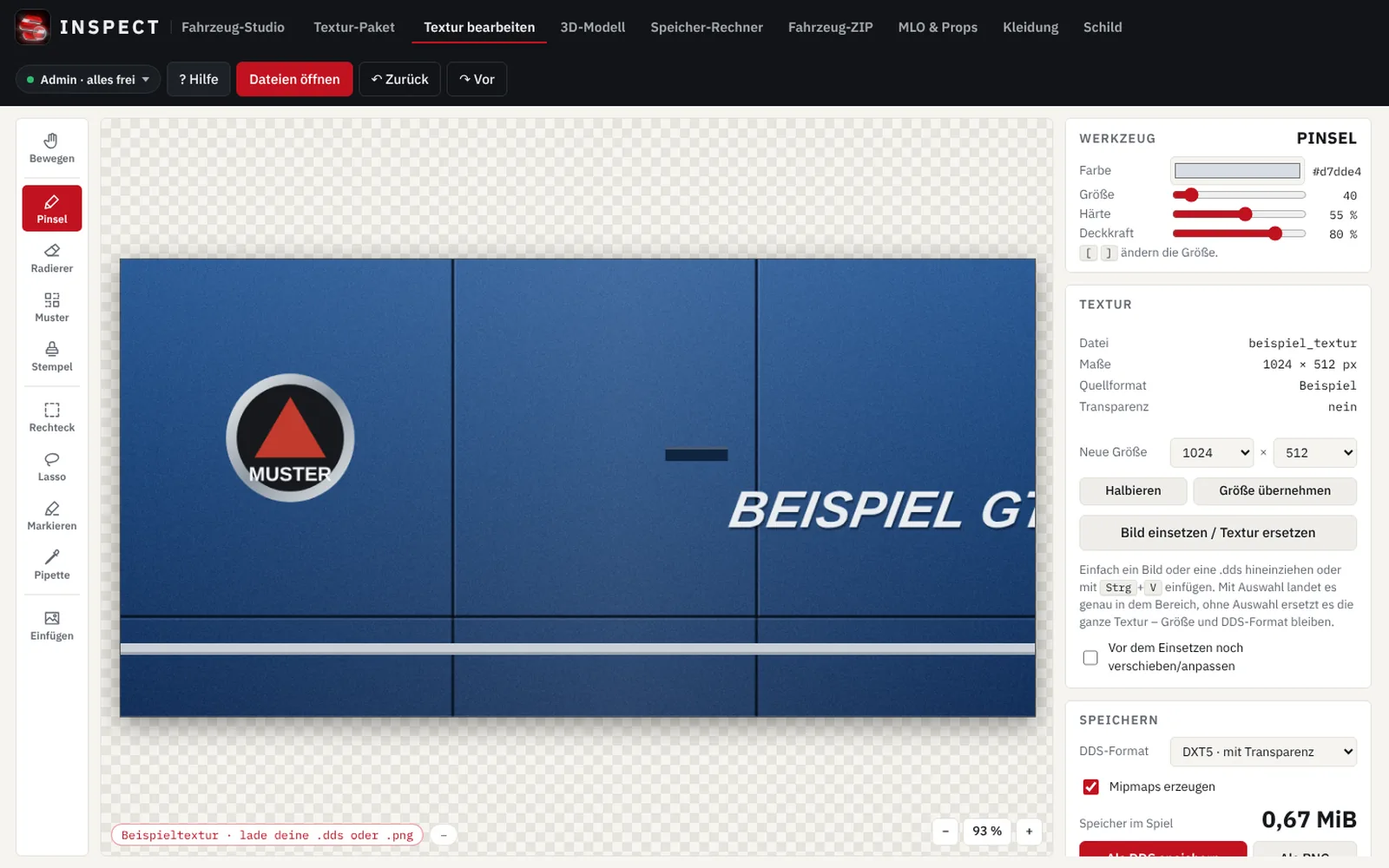
No. Removal works right in the browser with simple tools. You hide logos on the model with a click.
Yes. If you load the matching _hi.yft as well, the studio applies every change automatically to both files.
Removing a logo gives you no rights to the model itself. Only edit files you are allowed to use.